Welcome
Welcome to Sail Digital, the professional tool for the Optimist International Association class management, measurement, and manufacturing verification. This manual covers the core workflows for Appointed Builders (Manufacturers).
1. Access and Installation
Sail Digital is available on multiple platforms for maximum flexibility:
Portal / Dashboard
Access at: https://portal.sail-digital.way.to.it/
Mobile App
 Mobile Browser
Web App on Mobile
 iOS
iOS
Available on App Store
 Android
Available on Play Store
2. Login
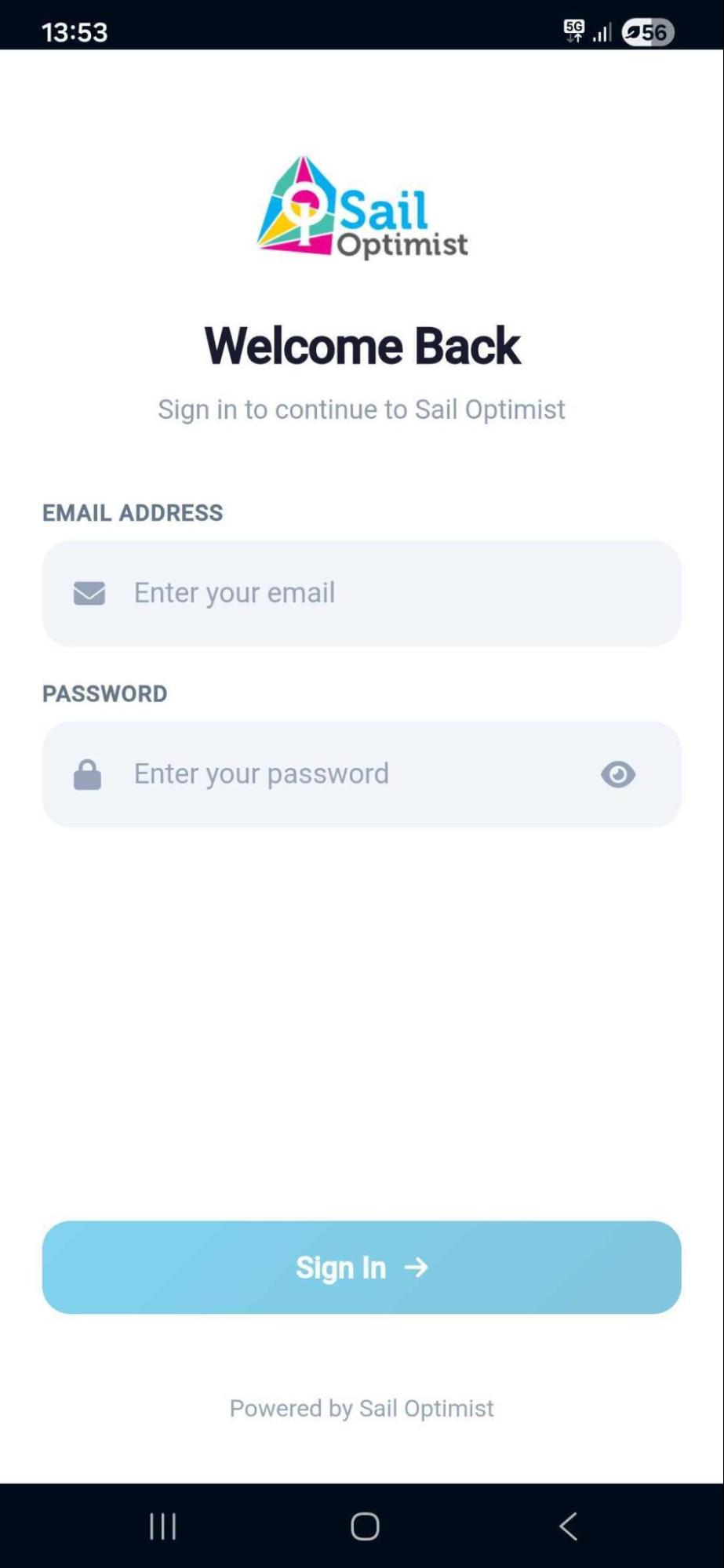
- Open the Sail Digital app on your device
- Enter your registered email address and password
- Tap Sign In
- If prompted, grant permissions for:
- NFC: Required to scan equipment tags
- Location: Required to verify the country of the builder
3. Dashboard Overview
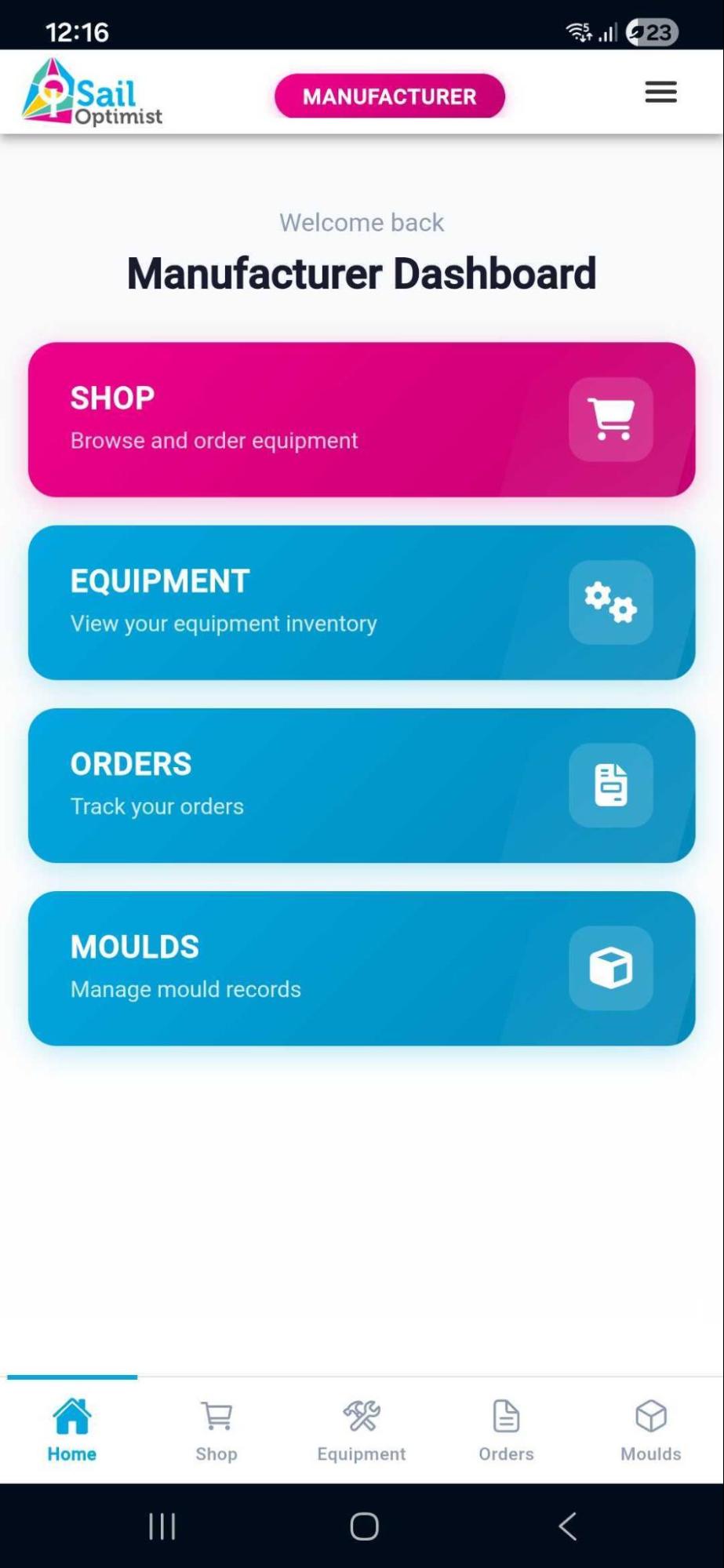
As an Appointed Builder, your dashboard allows you to manage production, activate new equipment tags, and ensure the equipment complies with IODA Class Rules before leaving the factory.
Your main hub provides quick access to four key areas, where applicable:
Browse and request new NFC tags/stickers (Note: Payments are handled externally)
Your digital inventory of manufactured hulls, sails, and/or spars
Track the status of your tag orders
Manage your authorized mould registry
4. Managing Orders
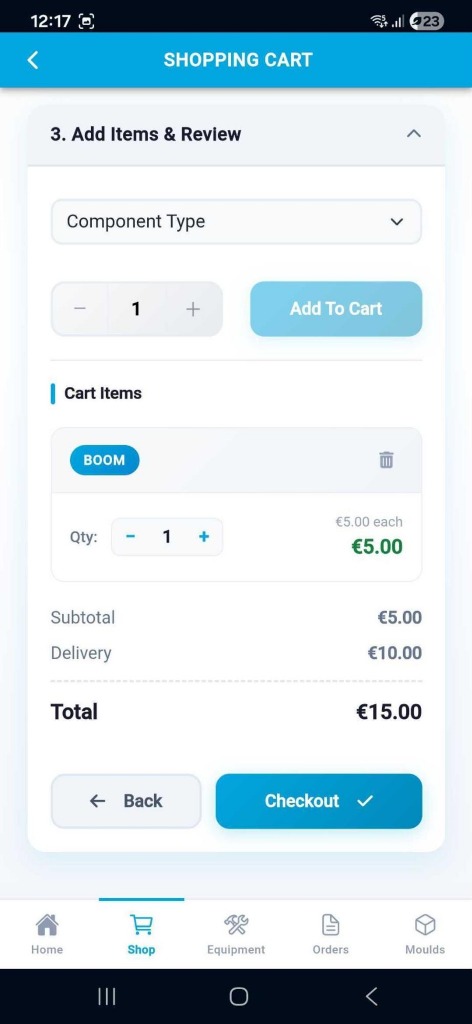
Request New Tags
Go to the Shop tab to request new batches of Equipment Labels.
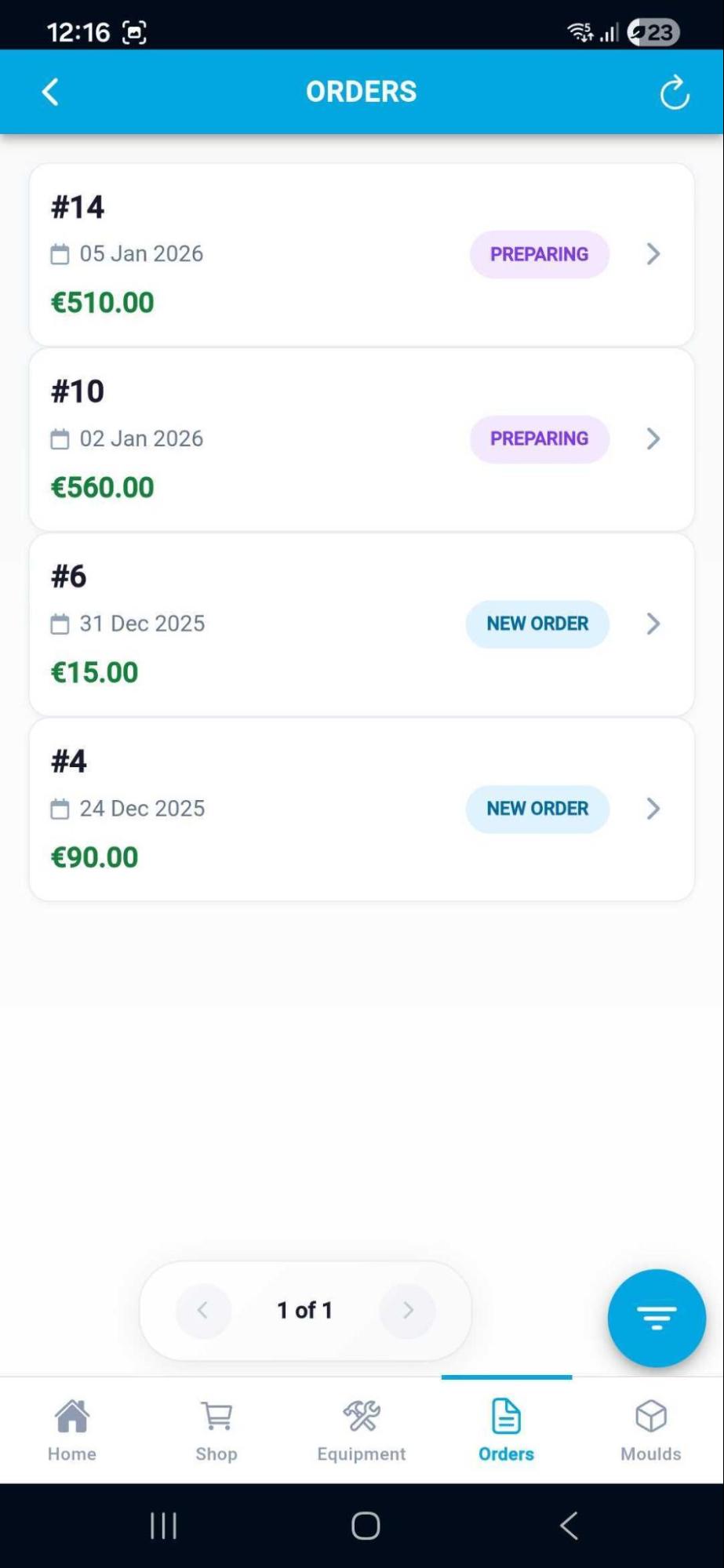
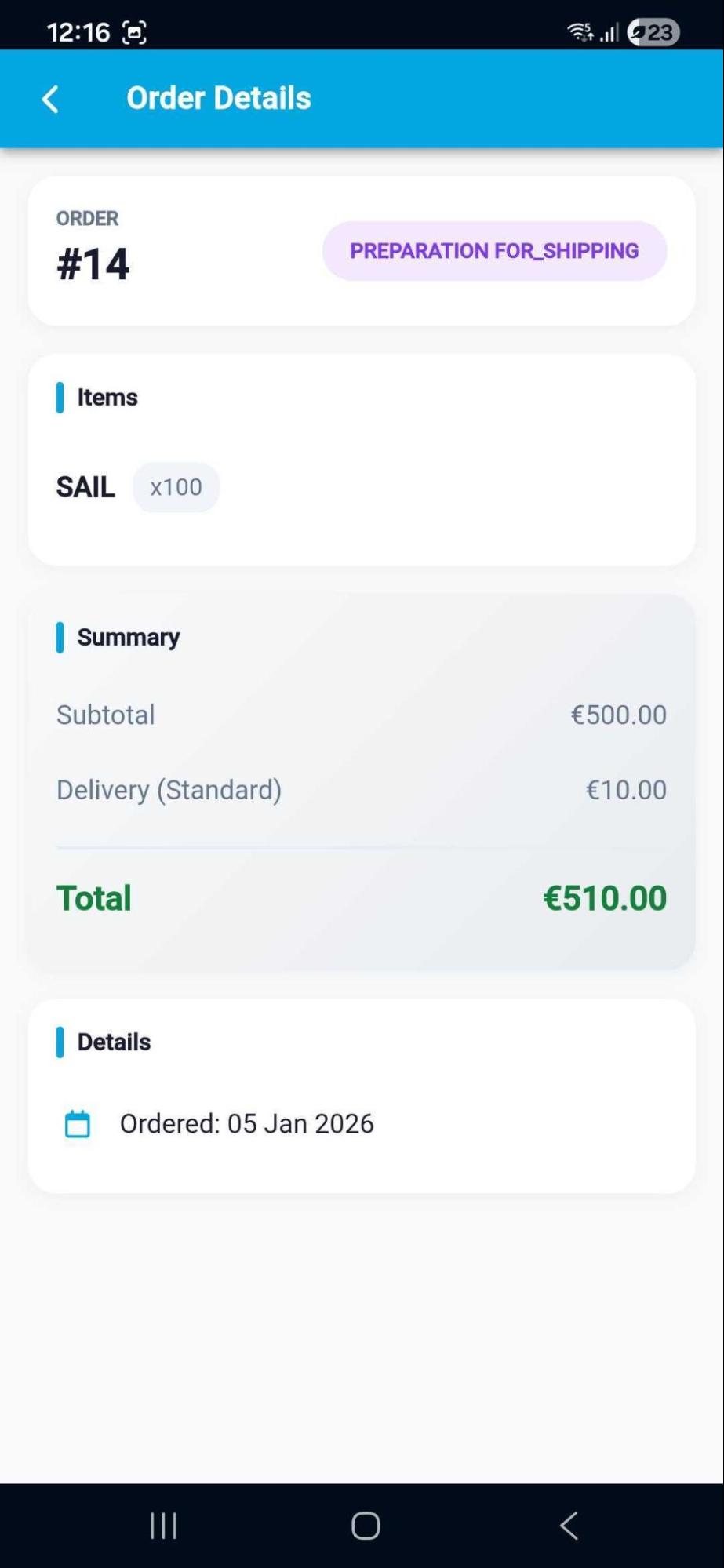
Track Order Status
View your request history in the Orders tab to see if they are "Pending", "Shipped", or "Delivered".
5. Mould Registry
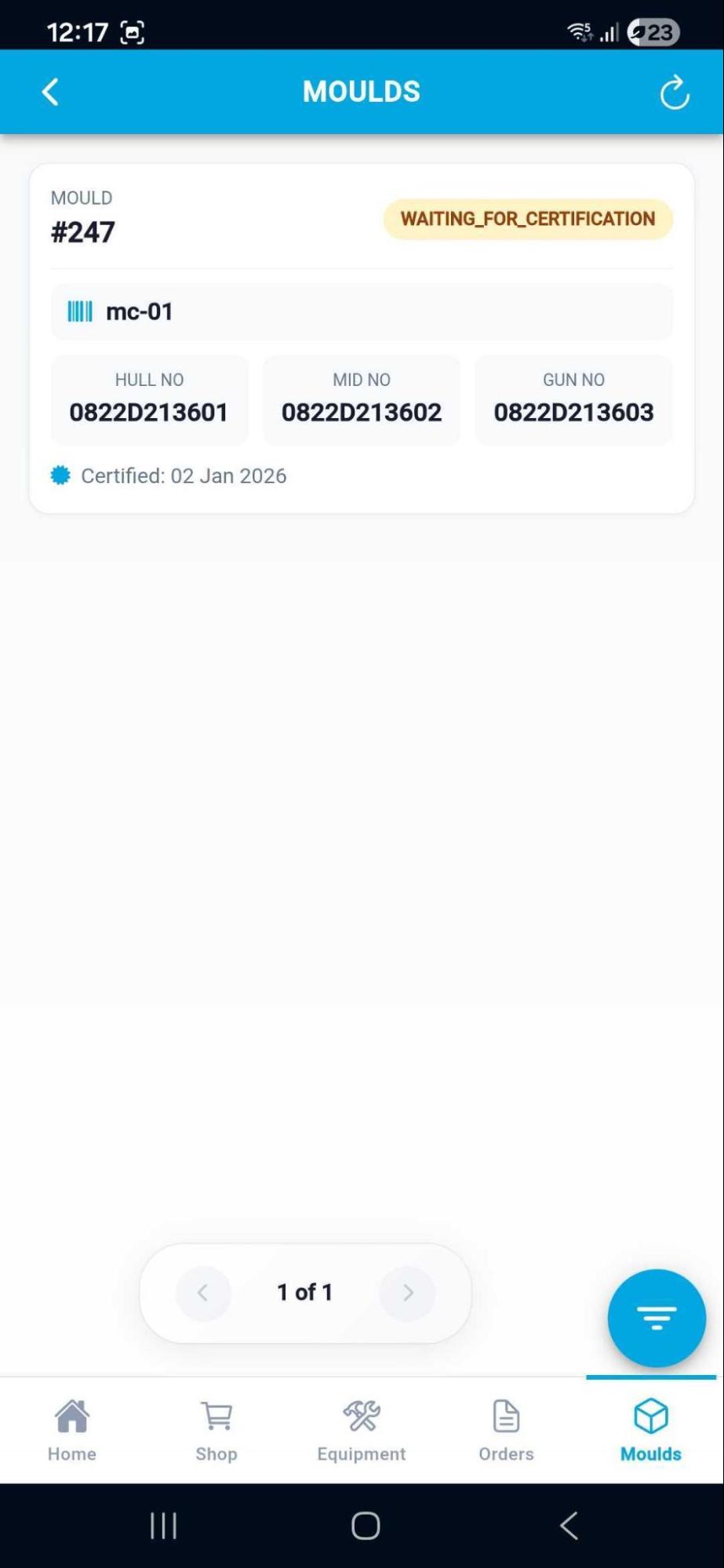
Keep your mould data up to date to ensure all hulls produced can be properly linked to an approved mould. Navigate to Moulds to view your active list.
6. Troubleshooting
Location Error
Ensure your GPS is on; certificates cannot be issued without a valid country verification.
Need Help?
For further support, contact info@optiworld.org or email support@infordata.it